Digital Signatur
As an employee at DTU, you must use DocuSign for handling digital signatures. This ensures an efficient, secure, and paperless process when you need to sign or collect signatures.
With DocuSign, you can collect signatures both internally and externally. The system supports MitID and equivalent national digital IDs, so you can be confident that the signatures are legally valid and meet current requirements.
With DocuSign, you can collect signatures both internally and externally. The system supports MitID and equivalent national digital IDs, so you can be confident that the signatures are legally valid and meet current requirements.
To get started with DocuSign, go to https://apps.docusign.com and select 'Company mail' from the list on the homepage.
Once you are logged in, you will automatically be registered as a user and gain access to your own workspace, where you can create and manage your signatures.
Once you are logged in, you will automatically be registered as a user and gain access to your own workspace, where you can create and manage your signatures.
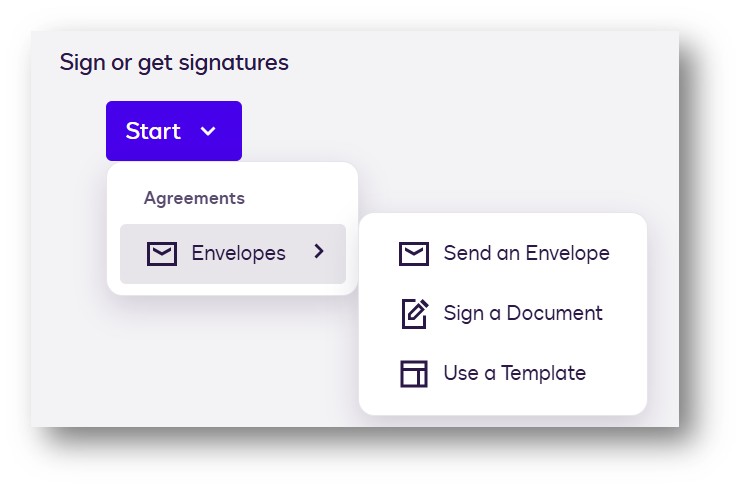
When you are in your workspace, you need to select a signing function—depending on whether you want to send a document for signature (Send an Envelope) or 'Sign a Document'.